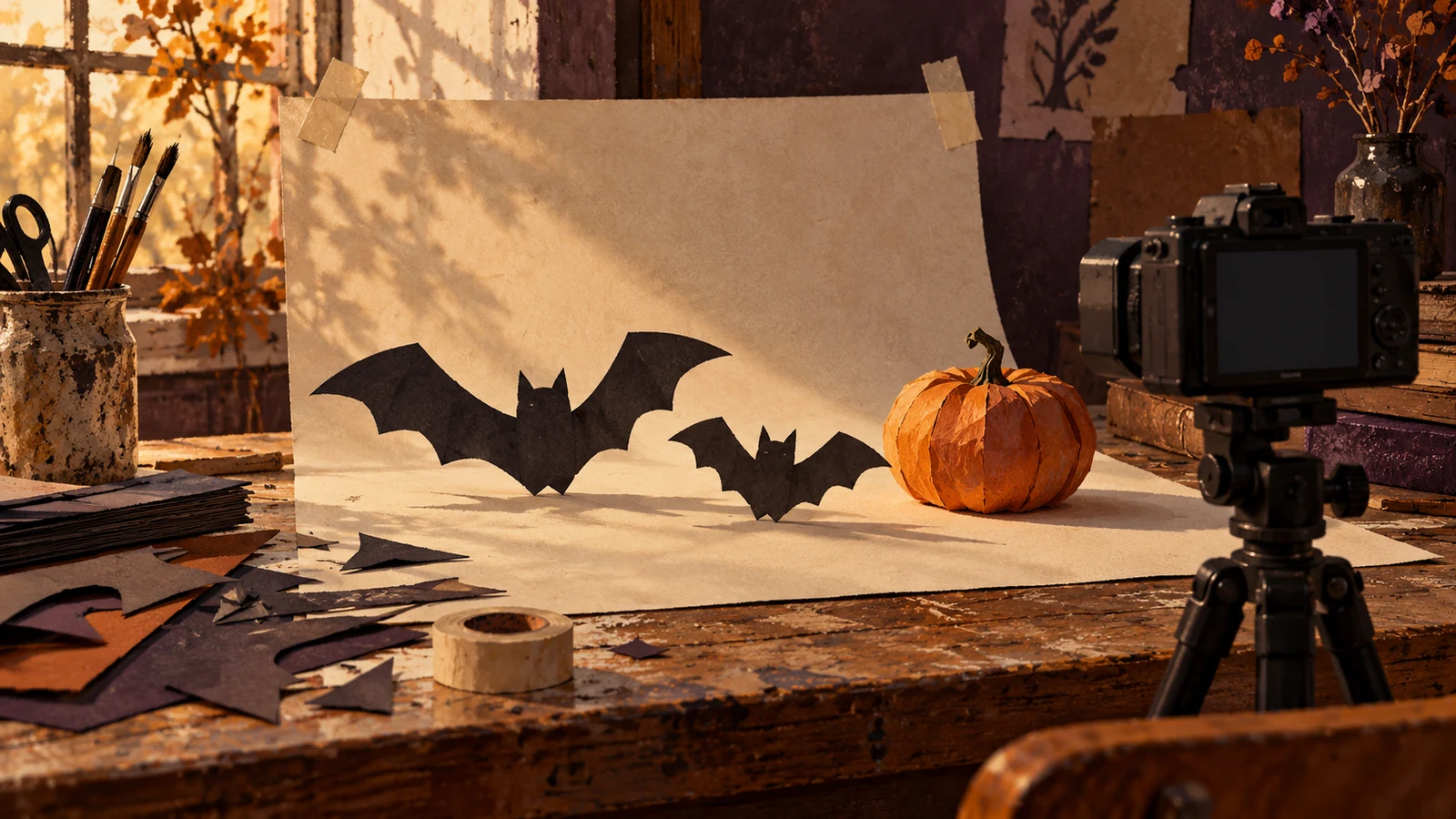
A paper bat crossing a shelf or a pumpkin sliding toward a bowl can turn a small tabletop into a Halloween scene. Stop-motion is useful when the movement itself is the idea, but the setup rewards patience. The main challenge is keeping everything that should stay still unchanged while moving only the prop you want the viewer to follow.
Plan a short loop with a paper bat that enters from one edge, passes a miniature pumpkin and exits on the other. Make the background safe, simple and easy to reset. The workflow is designed for a small creator set and does not depend on an expensive camera or a particular animation feature.
Test the set before taking the full sequence
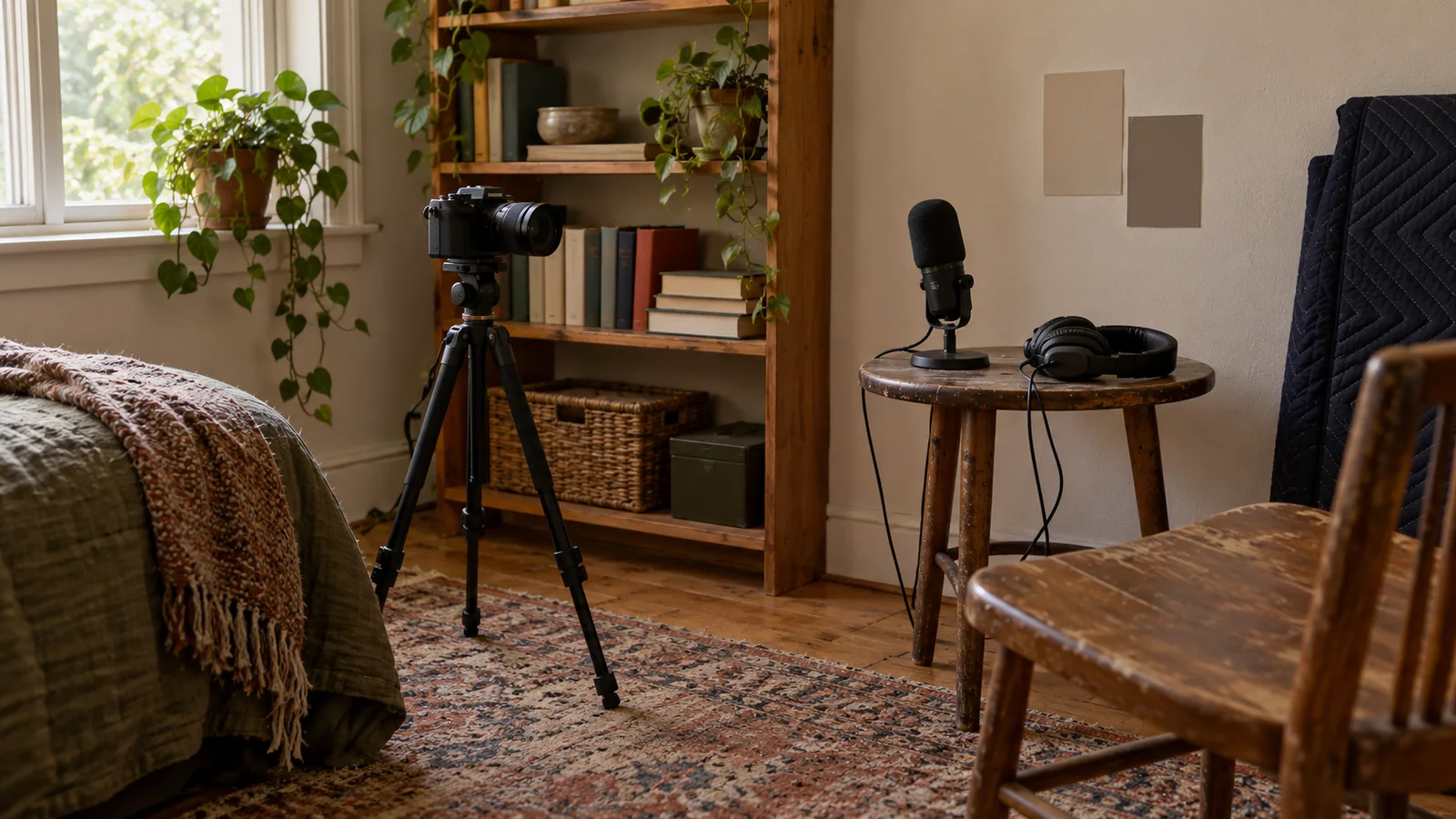
Mount the camera securely and choose the final crop before arranging the props. Clear loose cables and objects that could bump the support. Use an LED decoration where a glow is needed; an open flame is unnecessary for a miniature Halloween shot. Keep fragile, sharp or edible-looking props away from pets and children during production.
Take several test frames with nothing moving. Compare them for exposure changes, focus drift and flickering light. If the brightness varies already, solve that before animating. A moving paper bat will not hide a pulsing background, and hundreds of frames will multiply an unstable setup.
Draw the path and the three important positions
Sketch the entry, closest approach to the pumpkin and exit. The sketch is a working map, not a precise animation specification. Make the bat large enough to recognize on the final screen and leave visual space around the pumpkin. A busy pile of seasonal props competes with the motion instead of supporting it.
| Position | What the viewer sees | Capture note |
|---|---|---|
| Entry | Bat starts entering the shelf | Keep its outline separate from background |
| Approach | Bat appears to inspect the pumpkin | Use smaller steps if the pause matters |
| Exit | Bat leaves the frame | Return background to its opening state |
Mark positions outside the visible crop or use a reference photo. If the set is interrupted, those notes make a restart possible. Record the frame order as you shoot instead of relying on filenames from several unrelated sessions.
Change one thing per captured frame
Move the bat, step clear of the light and capture. Check periodically for a displaced pumpkin, a support wire that entered view or a shadow from your body. Fixing a mistake while the set is intact is usually easier than reconstructing the arrangement days later.
Decide how the scene should feel. Larger steps can make a playful hop; smaller steps near the pumpkin can suggest hesitation. The number of images and playback rate work together, so make a tiny test with the intended delivery settings. Do not commit to a universal frame count copied from a tutorial when the desired motion is different.
Assemble a plain sequence before adding sound
Import the frames in a verified order and inspect the start, approach and exit at normal speed. A camera bump appears as movement of the whole world; an inconsistent prop step appears as a change in the bat's pace. Correct the underlying issue rather than applying a transition to every frame.
Adobe documents still-image sequences and rendered movie exports among its export workflows. Check the current instructions for your editor's interpretation and duration settings. Save the source frames separately from the assembled project so a later rate adjustment does not destroy the original capture.
Choose whether the loop needs a reset
If the bat exits completely, hold the empty shelf briefly and return to the identical opening arrangement. If it remains visible at the end, the reset can create an obvious jump. Either design a deliberate return motion or present the sequence as a short ending rather than pretending the join is seamless.
Watch at least three repeats. Look for a flash in the exposure, a changed pumpkin position and an abrupt change in background texture. Avoid flashing seasonal overlays as a way to disguise the join. W3C's flashing guidance gives a clear reason to choose a more restrained treatment.
Add a playful music candidate only where it helps
Place the approach pause or pumpkin interaction near a musical phrase that makes sense in the finished sequence. Preserve the animation's chosen pacing if forcing it onto the track would make the motion unreadable. An optional seasonal music preview can help compare playful and suspenseful directions.
Export a short sample and check it at the actual display size. Confirm that the bat is recognizable, that the pumpkin is not overexposed and that the opening frame tells the viewer what to watch. Keep the motion map, test export, final frames and music record together. A small stable set with one intentional movement will usually produce a clearer Halloween sequence than a crowded set with several competing effects.
Related reading
Sources and editorial scope
Sources reviewed 3 October 2026. This original Angry Media exercise focuses on create a halloween stop-motion prop sequence on a small set. The examples illustrate production decisions, rather than measured results.