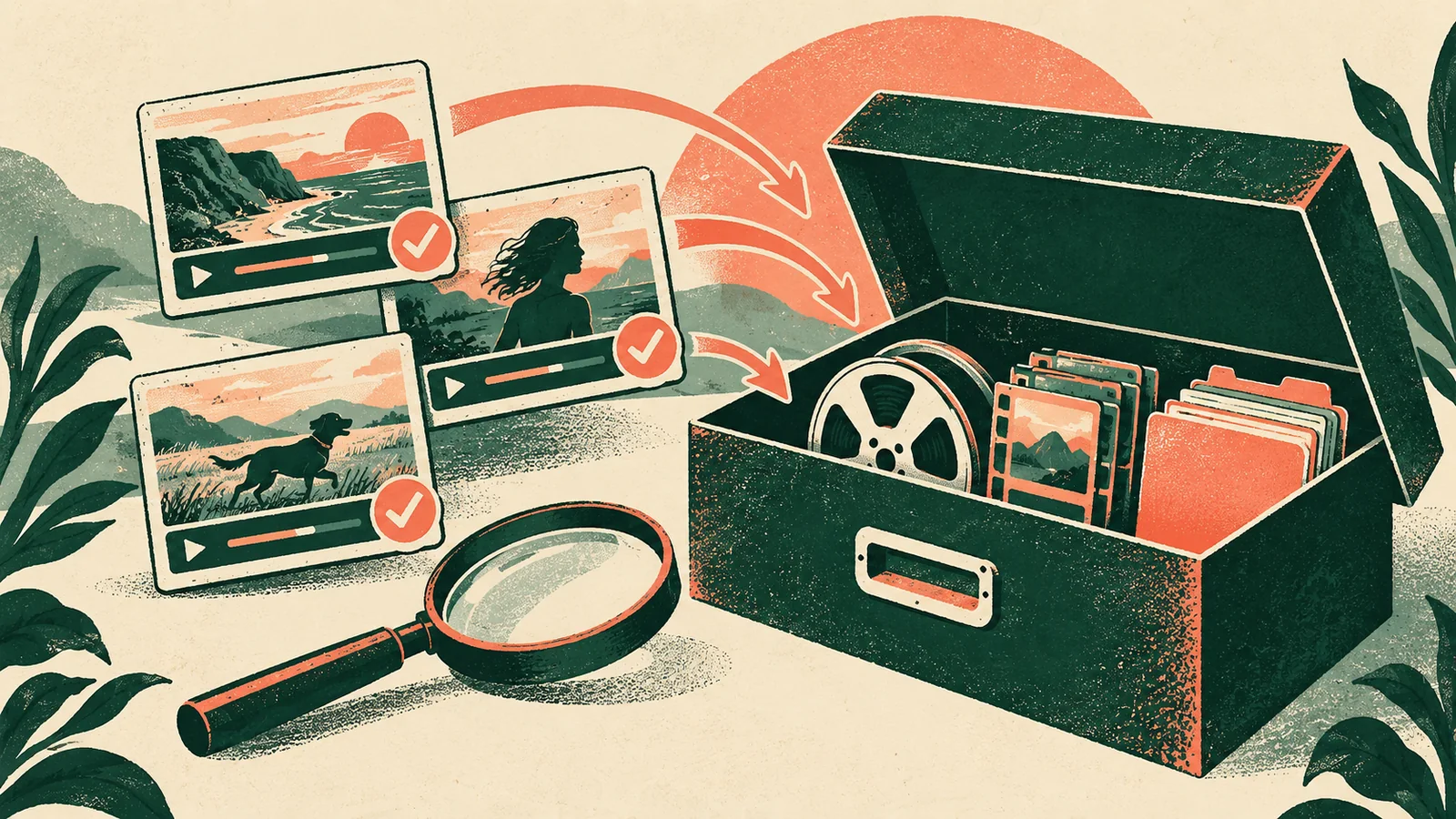
An archive is not a folder called “final.” It is a recoverable description of a finished project: the approved master, the editable project, the media and dependencies needed to reopen it, the rights and approvals that explain what may be used, and enough metadata for another person to understand the decisions. Efficiency comes from removing uncertainty and duplication deliberately, not from deleting everything that looks unused.
This guide is for creators and small post-production teams closing video projects for future reuse, client questions, re-edits, or rights audits. It does not promise permanent readability or protection from every storage failure. Codecs, software, storage services, licences, and operating systems change. The official sources cited here were checked on 2026-09-15; review the current documentation and contract terms before placing irreplaceable material in cold storage.
Define the archive’s future job
Before copying files, state why the project is being archived. A delivery archive may need only the approved master, captions, thumbnail, release note, and rights record. A reuse archive needs the editable project, source media, audio stems, graphics, fonts where permitted, and a map of external dependencies. A preservation-minded archive may retain original camera files and high-quality masters even when they are large.
Do not make one vague “keep everything” decision. Create tiers with owners and retention triggers:
- Published record: what was delivered or posted, when, where, and under which approval.
- Working package: the project file, used media, linked graphics, captions, audio, and software notes needed for a likely re-edit.
- Source preservation: original camera, audio, and project material whose value exceeds the cost of retaining it.
- Temporary material: caches, previews, proxy files, render intermediates, duplicate downloads, and rejected takes that have a documented deletion decision.
The tier is a business and rights decision, not a judgement about file size alone. A small release form can be more important than a large render.
Freeze the project before consolidating
Create a read-only or clearly labelled closeout point. Save the last approved project, export the final master again if necessary, and record the application and plug-in versions. Note the sequence dimensions, frame rate, colour space, audio sample rate, captions, delivery codec, and any unusual export settings. Include a README that answers: What is this project? Which sequence is approved? Where are the source files? What is safe to reuse? Who approved it?
Check that the approved master actually plays from beginning to end. Inspect the first frame, a representative middle section, the ending, audio sync, captions, colour, and any required disclosure. Keep the master in its delivered form; do not replace it with a smaller proxy and call that the archive.
Close external dependencies before you move media. List fonts, plug-ins, linked After Effects compositions, stock libraries, music, cloud assets, LUTs, scripts, and third-party services. If a dependency cannot legally be copied, retain its name, version, licence location, and a rendered fallback where the licence allows it. A project that opens with missing effects is not necessarily a successful archive.
Use the editing application’s collection tools carefully
Adobe Premiere’s current Project Manager can collect and copy project media, or consolidate and transcode used material to a selected codec. It can exclude unused clips and include handles around edit points. That is useful for a working package, but it is not automatically a preservation master. Trimming source media can remove alternate takes, camera originals, metadata, or future context that another edit may need.
Choose collect/copy when retaining original files and relinkability matters. Choose consolidate/transcode when a documented intermediate codec improves compatibility or reduces a sprawling dependency set. Record the chosen option, source sequences, exclusions, handle length, format, preset, and destination. Open the collected project on a separate system or clean user profile; do not assume the same machine proves portability.
Keep native project files and high-quality rendered masters side by side but clearly named. A mezzanine or editing-friendly transcode may be easier to work with, yet it is a new representation and can change colour, frame rate, audio, metadata, or alpha behaviour. Never discard the original solely because the transcode opens more conveniently.
Make formats and software dependencies legible
The Library of Congress evaluates digital formats using factors such as disclosure, adoption, transparency, self-documentation, external dependencies, patents, and technical protection. These are useful questions for a creator archive. Is the codec documented? Can another tool decode it? Does the file depend on a proprietary application, account, plug-in, or encryption key? Is the metadata still understandable without the production software?
Preserve the original production format when it is important, and add a documented access copy when practical. An access copy is for ordinary viewing; it does not silently become the preservation master. If you transcode, record the source checksum or filename, tool and version, settings, date, and a visual/audio spot-check. Avoid repeated lossy transcodes: retain the best source and derive delivery files from it.
Include captions and transcripts as text or caption files where possible, not only as pixels burned into the video. Keep language, timing format, speaker information, and revision status. Store colour and audio notes with the files rather than assuming a future editor will infer them from a waveform or image.
Give every project a stable identity
Use a project identifier that does not change when a client changes the working title. A practical filename can include project ID, short title, date, version, sequence, and status, for example AM-0247_market-story_2026-09-15_master_v03. Avoid names such as final_final2 and keep a small version log explaining what changed.
At the top level, use a predictable structure such as:
AM-0247_market-story/
  00_README-and-manifest/
  01_PROJECT/
  02_SOURCE-ORIGINALS/
  03_WORKING-PACKAGE/
  04_AUDIO-CAPTIONS-GRAPHICS/
  05_MASTERS-DELIVERIES/
  06_RIGHTS-APPROVALS/
Adapt the structure to the team; consistency matters more than these exact labels. Keep a manifest listing filename, size, checksum or fixity value, role, and retention tier. A checksum detects change; it does not confirm that a file was the right version or that the application can still render it.
Protect integrity and independence
After copying, compare file counts, sizes, and checksums where the project warrants it. CISA recommends offline, encrypted backups and regular testing in its ransomware guidance. An archive on a single always-mounted drive is not a complete recovery plan. Keep at least one recovery copy separate from the working system and restrict who can delete or overwrite it.
Encryption can protect sensitive footage and contracts, but an archive whose key is lost is inaccessible. Store key-recovery instructions separately and limit them to authorised people. Record the owner, storage locations, retention policy, and next verification date. Do not place passwords or recovery keys in the project README or an unprotected client delivery folder.
Verify the archive after it is moved and again before deleting a working copy. Restore a representative source clip, project file, caption file, approval, and final master to a clean location. Reopen the project, relink media, render a short section, and compare the output with the approved master. A successful upload or copy command is not a restore test.
Keep rights and consent attached to the media
An archive can preserve a file while losing the permission to reuse it. Store music and stock licences, model or location releases, client approvals, invoices, usage territories, term limits, attribution requirements, and restrictions on edits or paid promotion. Link each record to the asset or sequence where it applies.
Separate “owned,” “licensed,” “platform-provided,” and “permission unclear.” A track selected in an app may have a narrow product licence; a stock clip may prohibit resale or paid advertising; a release may cover one campaign but not a later documentary. If the right is unclear, retain the evidence and mark the asset as restricted instead of assuming the archive grants permission.
For personal or sensitive footage, record access controls and deletion obligations. A preservation goal does not override a contract, privacy request, safety issue, or local law. Consult the responsible rights or legal owner when retention and reuse conflict.
Plan the next verification
Technology and business context are the archive’s moving parts. Set a review trigger for a storage migration, application end-of-support, codec warning, client request, licence expiry, ownership change, or a failed checksum. At review, open a sample from each tier, inspect the manifest, test the project, and confirm that the rights record still matches the intended reuse.
Do not migrate every file simply because a new codec is fashionable. Migrate when the current representation, storage, key, software, or rights context creates a material risk. Keep the old file until the new representation has been checked and the decision is recorded. If a project is never expected to be re-edited, a verified master plus rights and provenance may be more efficient than retaining every cache.
Archive release gate
Before calling a project archived, confirm:
- The approved master, project source, and archive purpose are explicit.
- Source, working, access, and temporary files are labelled by retention tier.
- Software, codec, plug-in, colour, audio, caption, and dependency notes are included.
- Licences, releases, approvals, disclosures, and reuse restrictions are linked to assets.
- A manifest or equivalent fixity record exists for material that warrants it.
- At least one copy is independent from the working system and protected from casual deletion.
- A clean-location restore opened representative files and reproduced a short result.
- The owner, storage locations, retention decision, and next verification trigger are recorded.
If a gate fails, keep the project in an active or restricted state and name the missing evidence. “Archived” should mean that a future editor can find, understand, open, and lawfully reuse what the record claims to preserve.
Sources and scope
- Adobe Help — Move Premiere projects to another computer — official collection, consolidation, transcode, and handle guidance; accessed 2026-09-15.
- Library of Congress — Sustainability of Digital Formats — official format sustainability factors and preservation planning; accessed 2026-09-15.
- Library of Congress — Recommended Formats Statement 2025–2026 — official current format preference and accessibility criteria; accessed 2026-09-15.
- NIST — Research Data Framework 1.5 — official metadata, checksum, and fixity considerations; accessed 2026-09-15.
- CISA — StopRansomware Guide — official offline, encrypted backup and testing guidance; accessed 2026-09-15.
The workflow and editorial recommendations are Angry Media synthesis. Format sustainability, software compatibility, checksum meaning, storage durability, encryption recovery, licence scope, and privacy obligations vary by project, service, jurisdiction, and version. This article is educational, not legal or cybersecurity incident-response advice. Source review completed 2026-09-15; scheduled publication 2026-11-09.